
Name-Based Case Searches
Begin with the official Missouri Case.net name-search route. Type in what name information you have. Then narrow to Franklin County or the right court if that option appears. Common names return multiple matches. Before calling one a match, check the header for the court, division, filing date, case style, and parties.
- Open the name-search route and enter the available name components.
- Use a Franklin County or court filter when the interface presents one.
- Review the results list and open only the case whose header fits the known court and date details.
- Record the exact case number, division, filing date, and last visible docket date.
- Use that exact information for a clerk request or a time-sensitive court confirmation.
| Field label | Type | Required | Use in a Franklin County search |
|---|---|---|---|
| Name components or search text | Text | Needed for name mode | Use the most complete name information available. |
| Court or jurisdiction | Selector | Optional when displayed | Use it to narrow to the likely Franklin County court. |
| Filing date | Date or date range | Optional in the matching mode | Helps distinguish cases with similar names. |
| Search or submit | Control | Yes | Opens the public results list for review. |
Franklin County Case Search Modes
Case.net does more than name lookups. The public instructions list Litigant Name Search, Filing Date Search, Case Number Search, and Scheduled Hearings & Trials Search. The Missouri Courts navigation adds a Judgment Index route. Choose the narrowest mode for the job. A known hearing date belongs in the hearings mode, not in a broad name scan.
Public tracking is a separate Case.net tool with a narrow purpose. The Track This Case icon on a case page sends notices. Verify your contact details to start receiving them. Those notices are not the official court record. Fine Collection Center cases are left out of the public tracking workflow entirely.
Franklin County Filing Date Case Search
Filing Date Search fits when you lack a Franklin County case number but know roughly when and where the case was filed. Tighten the date range. Pick the right court. Then work through the public result list. Remember that the filing date only shows when the case entered the court system; it says nothing about a hearing date, a later order, or a final outcome.
Franklin County Scheduled Hearing Search
Scheduled Hearings and Trials Search answers a court-date question. It is the Franklin County Case.net mode to use. Start with the tightest date and court details you have. Then open the case docket for the specifics of the event. A setting can shift after the calendar search runs. Confirm the court, division, and time in the latest docket entry. Do not trust a broad calendar list alone.
Case Number Searches
Whenever an exact case number exists, search it first. Missouri's public case-number search offers a court or participating-court selector and a Case Number field. An alternate OCN field appears where the interface shows it, alongside the search control. Keep the number exactly as Case.net displays it. Franklin County holds both older and newer Missouri case-number constructs. A guessed sample string is no substitute for the live result.
Once the right case opens, save the number. Add the court, division, case type, filing date, and last visible docket date. That bundle lets the Franklin County Circuit Clerk tell similar records apart. It also keeps a state-court case from being confused with a city municipal case. The same holds for a federal one.
When you move from a public search to a record request, use the exact Case.net case number. Never assume a format.
Franklin County Case Search Identifiers
A case number, an OCN, and a uniform citation number are distinct identifiers. A uniform citation number serves as the file number under Missouri Court Operating Rule 4. It covers less serious traffic and civil infractions. The same rule relies on case-type codes in the newer construct. CR marks criminal, CV civil, and TR traffic. A code sorts the court file into a category. It says nothing about the outcome.
Municipal matters may run on a backer sheet and municipal event codes. When a city or county citation later moves into associate or circuit processing, keep every reference the docket shows. Search the exact citation or case number first. Then verify court and division in the header.
Missouri's municipal clerk rules supply the official background on municipal docket, citation, and event-code identifiers.
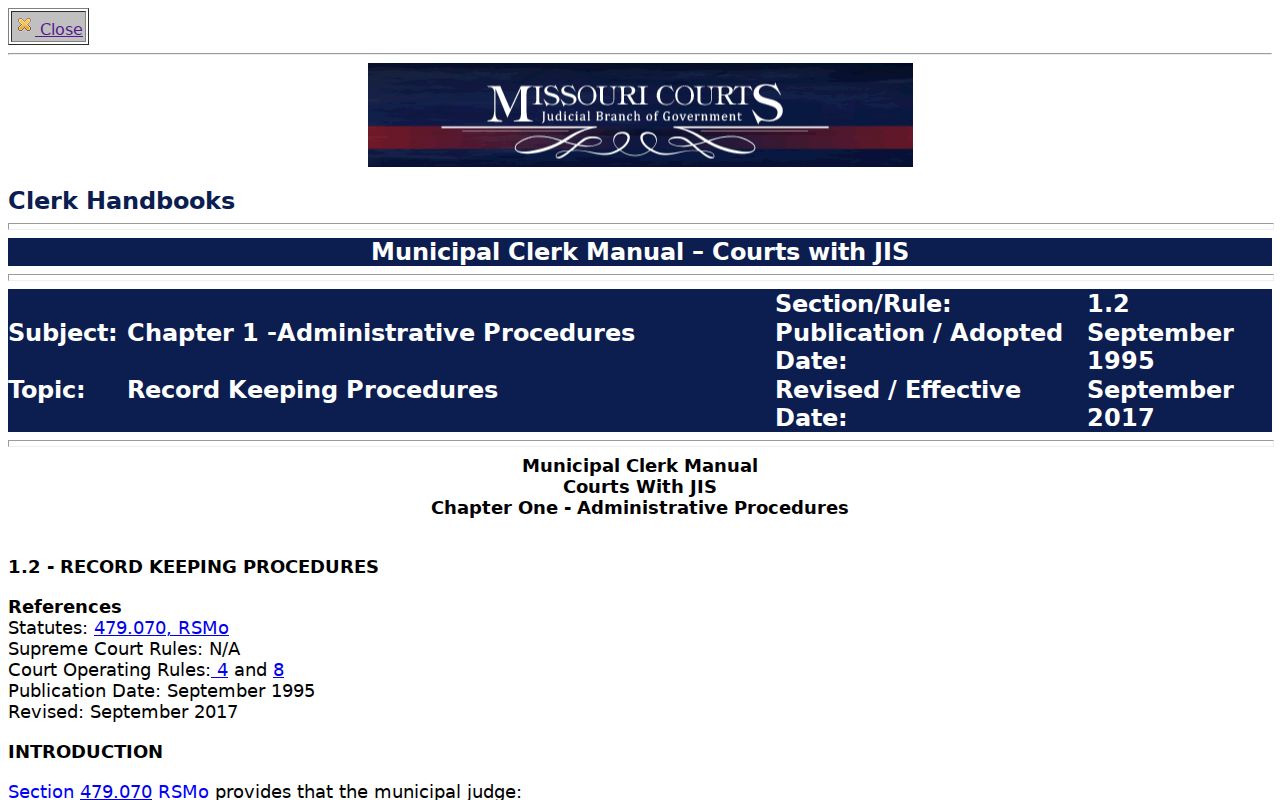
The municipal-rule source explains why a citation number can lead you to a court file. Even so, it never replaces the Case.net header check.
Franklin County Judgment Index Search
Missouri Courts also offers a Judgment Index route as a search aid. It helps answer whether a judgment index entry exists. But it is no stand-in for the Franklin County case docket or the judgment itself. Match the party name, case number, date, and court. Check any shown satisfaction or vacatur detail against the underlying court record too.
Case Search Results Explained
A public Case.net result can open onto a case header, docket entries, public parties and attorneys, scheduled hearings or trials, and the Track This Case icon. The detail view hangs on the case's identifying information. A dated list of court activity fills the rest. Each docket entry records one event. It is not always a copy of the filing behind that event.
| Case number | The exact court-file identifier used for a focused search or clerk request. |
|---|---|
| Case style and parties | Public identifying case information displayed in the header where available. |
| Court and division | Shows which Franklin County or other Missouri court channel holds the case. |
| Docket entries | Dated text for filings, settings, actions, orders, and other case events. |
| Hearing or trial schedule | A future or listed court setting where it is publicly available. |
Read the most recent relevant order before treating a scheduled event as a disposition. Franklin County warns that public Case.net information may lag behind court. For urgent confirmation, go to the court or clerk.
Franklin County Case Search Documents
A docket entry and the document behind it are two different things on Case.net. Missouri's File Viewer page spells out the rule. An entry shows a hyperlink only when an attached document exists and your access level permits it. No link has two possible meanings. Either nothing was attached, or the file is closed to public eyes. The code "(ECASE)" signals an electronic case record. The viewer also splits what you see into All and Confidential Records categories.
Suppose a link should be there but is not. Write down the document title and filing date from the docket entry. Older e-CASE material has a documented fallback: the courthouse public-access terminal, subject to confidentiality rules. Need a named copy or a certification? The Franklin County Circuit Clerk records form is the next step.
One caution deserves repeating. A missing link does not prove a filing never happened. The court may still hold a paper or electronic file that a remote public user simply cannot reach.
Two Ways to Search: County and State
Missouri gives you two practical routes into Franklin County court records, and neither is a countywide public portal. The statewide channel is Case.net. The local path runs through the Franklin County Circuit Clerk, the courthouse public terminal, and the clerk's records form. Search statewide first to locate public case information. Then turn to the county route. Use it for copies, certifications, older electronic files, or anything the result on screen does not answer.
| Missouri Case.net | Franklin County clerk and courthouse path |
|---|---|
| Statewide public case-information search | County-specific record, copy, and terminal access |
| Name, case number, filing date, and hearing search modes | Named document request using case number and filing date |
| Header, docket entries, and available public links | Certified copies, older e-CASE material, and access questions |
| Best for locating the case and its visible activity | Best for a specific court-file need that Case.net cannot satisfy |
Franklin County Case Search and E-Filing
Do not confuse the two Missouri systems. The Missouri eFiling System exists for filing, not for public searching. Attorneys log in with separate credentials and their own filing controls. Once the clerk accepts a filing, the document attaches to a docket code. It then joins the official court record. Acceptance alone does not put it in front of the public right away.
Access depends on who you are. Missouri File Viewer opens a document only where it is available and permitted. A logged-in attorney sees more than a general searcher. For a public Franklin County case search, start with Case.net. Is the file older, unlinked, or restricted? The courthouse terminal or the Circuit Clerk is the place to go.
Which Cases Stay Restricted
Access to court records is real but not total. Missouri Court Operating Rule 4.24 lists the confidential categories, including certain closed and mental-health records. Rules 4.25 and 4.26 govern sealed and expunged records. Juvenile cases, protected identifiers, confidential exhibits, and similar material all require special handling. Seeing a case title or docket metadata grants no right to the document underneath.
Statutes layer on top of the rules. RSMo § 610.120 limits general-public access to closed records, and § 610.140 protects the confidentiality of expunged matters. A blank Case.net result might reflect a restriction, a missing attachment, or an access limit. Ask the Circuit Clerk which rule applies. Do not chase an unofficial data source or a workaround.
Note: The Circuit Clerk may require photo identification for confidential records. An inspection application may require judge approval.
Franklin County Case Search Access
Remote access in the 20th Judicial Circuit has a firm historical line. Under the statewide schedule, public documents filed on or after July 1, 2023 became remotely accessible once the circuit activated, while older material stays at a courthouse terminal. That boundary explains a common puzzle: a Case.net header or docket entry appears, but the old document image does not.
Work the sequence in order. Search Case.net. Open any File Viewer link that appears. Then move to the courthouse terminal for older electronic material, and submit a precise clerk request when you need a copy. For a current hearing or a fresh court action, call the court or clerk directly. Public case information can lag behind events.
A precise request gets precise service. Keep the exact Case.net case number in front of you. Include the case style, court, division, filing date, and last visible docket date. Name the document you want and its date. That detail lets the clerk separate the public search result from the specific court record needing review or copying. It also shows whether you want the docket sheet, a filed document, or a certified copy. Hold onto a copy of the public result for follow-up. The more exact the record detail, the faster and clearer the clerk's response.